It's quick and easy to create an event. Once you have ordered your event package, follow these steps.
Creating a Book Giveaway Event
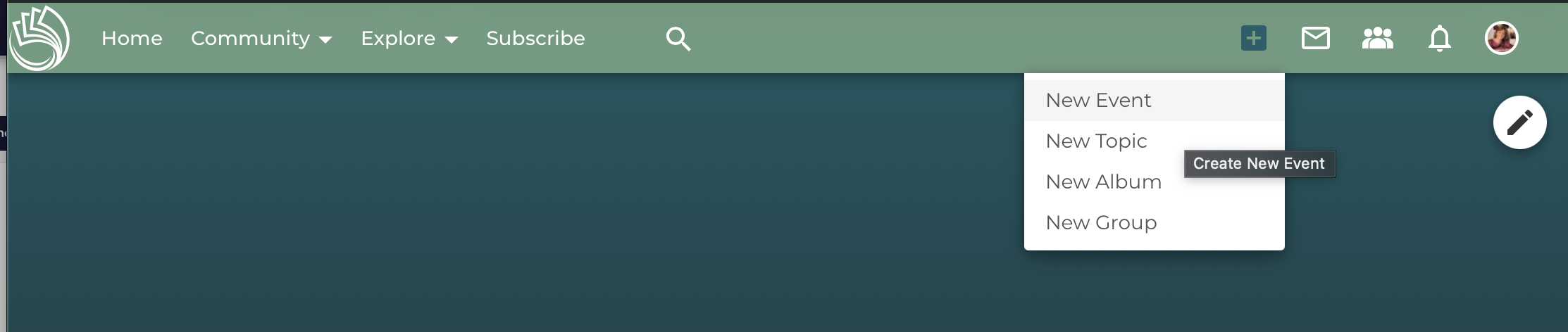
You can create an event by using the ‘+’ button in the header menu or the button on the event overview page of your profile. When creating an event, you can choose to either add it to a group or not.
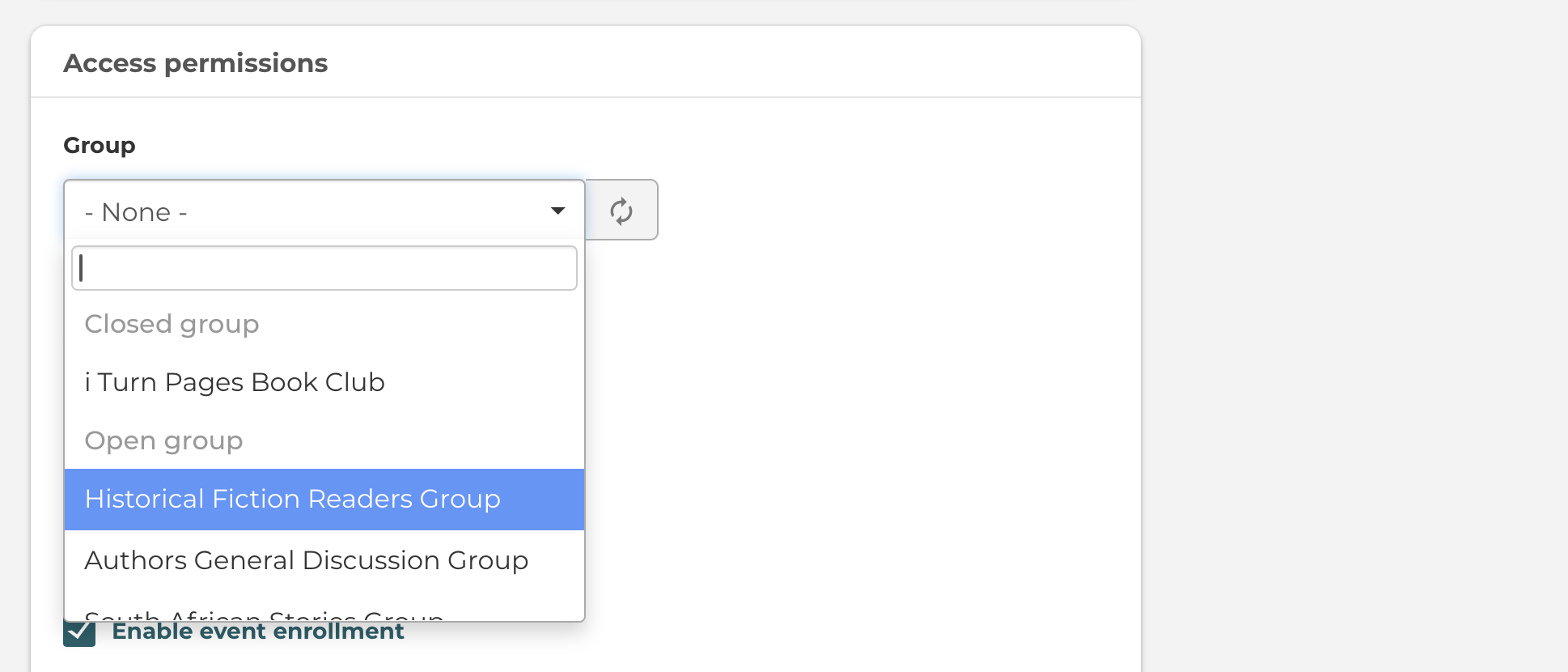
Adding Your Book Giveaway Event to a Group
You can also create an event in a group directly from the group itself, but please note that only the members of your group will see the event. If you want all users and I Turn Pages visitors to see your event, don't post it into a group. Or post it into a public group.
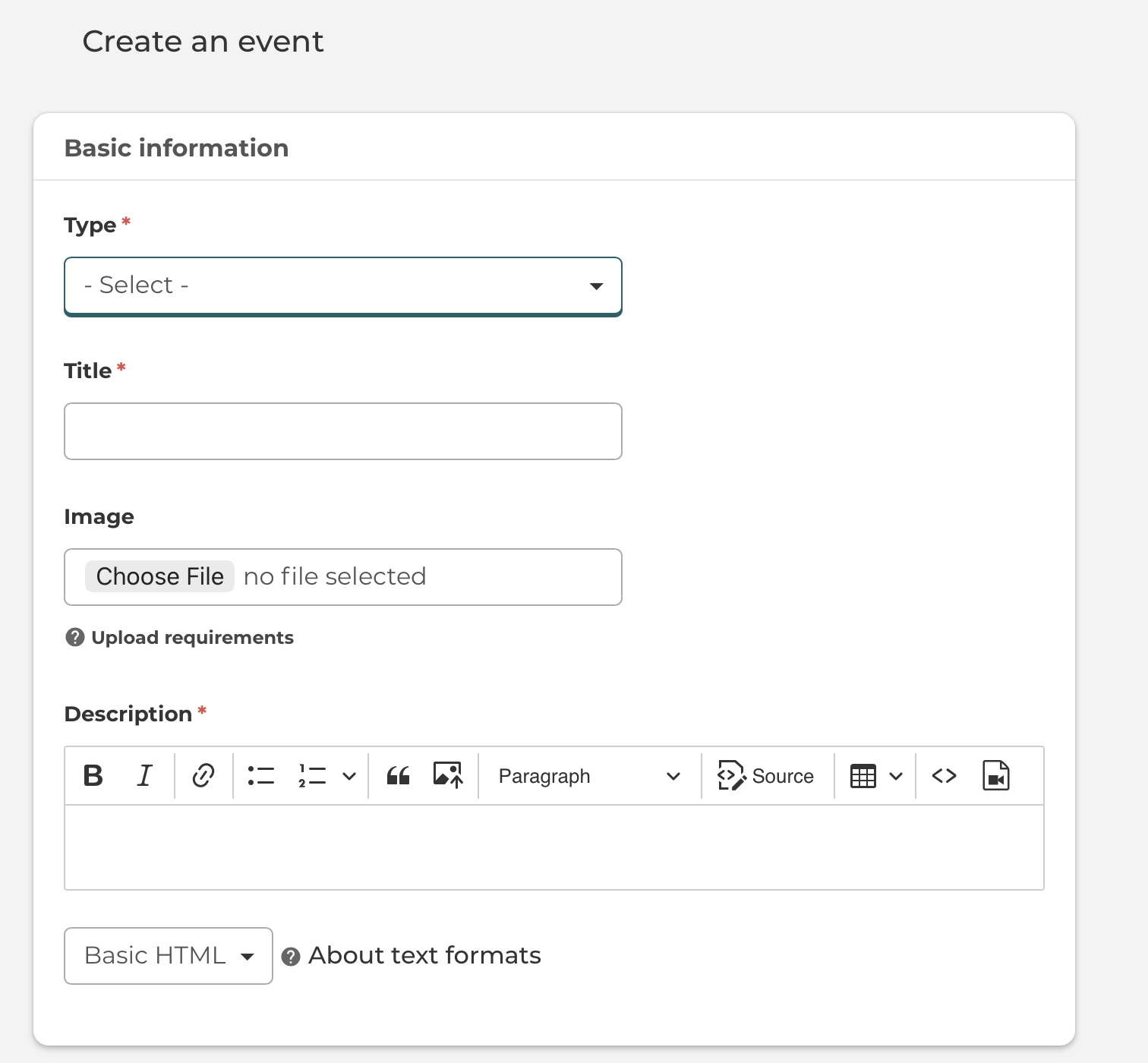
Give your event a title, select an image, and select an event type.
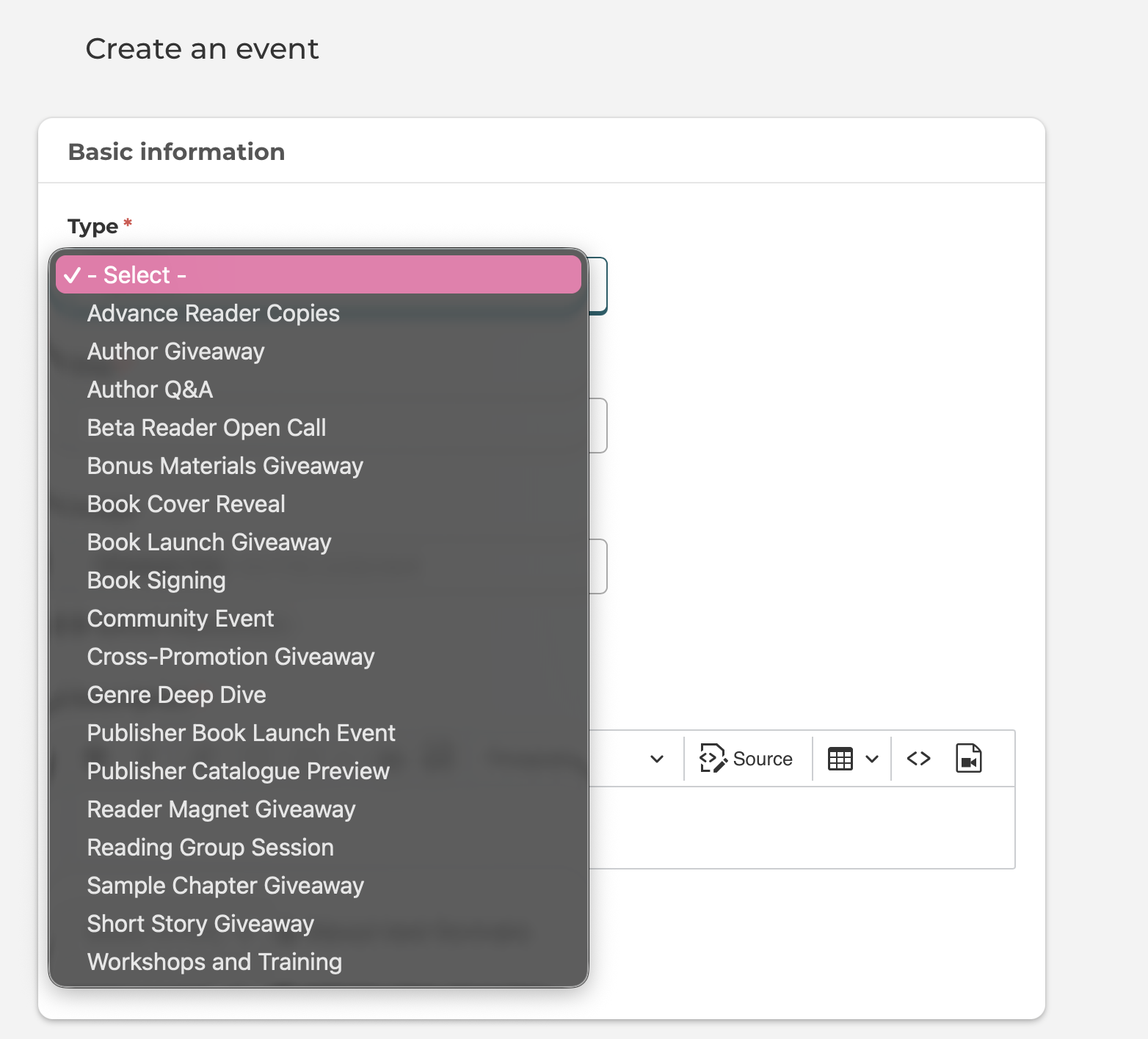
Here is a screenshot of how to select one of the event types for your book giveaway event.
Check out these ideas for your book giveaway events.
Refer to our image size guide for the ideal image sizes per content type!
You can then fill out the description of your event. Remember to make the most of the different formatting options to add some variety to your content. You also have the option to embed videos and images, so play around with these too.
Further down, you can add in the Location, Date & Time of the Event, as well as add any relevant content tags.
Event Visibility & Enrollment
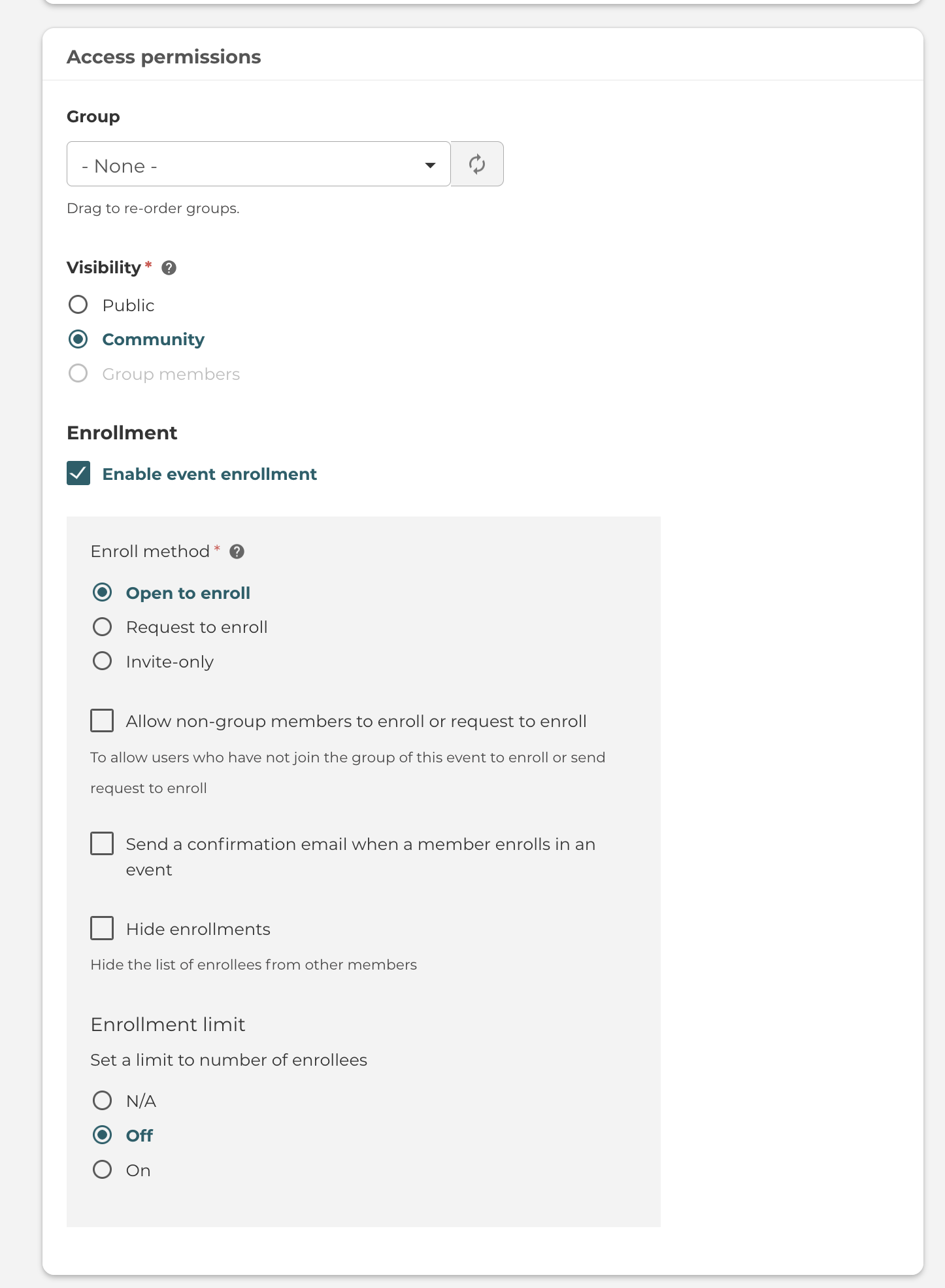
For events, you can also set the visibility. This can be affected by whether you place the event inside a group.
If so, you can then decide to make the topic visible only to members of that Group.
If you make the event public, you will also have the option to allow guests to enroll (aka users without an account). If so, they will be prompted to enter their name and email, which the event organiser will be able to access (in case you need to contact them).
There are many more Event Enrollment settings which you can control as an event membership author.
Once you've created the event, you will have access to the Manage Enrollments tab.
This will give you the options for adding/inviting users, as well as performing bulk actions (such as emailing the users or exporting them to csv).
