Search allows you to easily find community members, any topic, events, or groups.
The search function is always found in the header menu.
On the search results pages, the ALL tab shows all relevant results, and users can narrow down their search via the tabs 'content', 'users' and 'groups'.
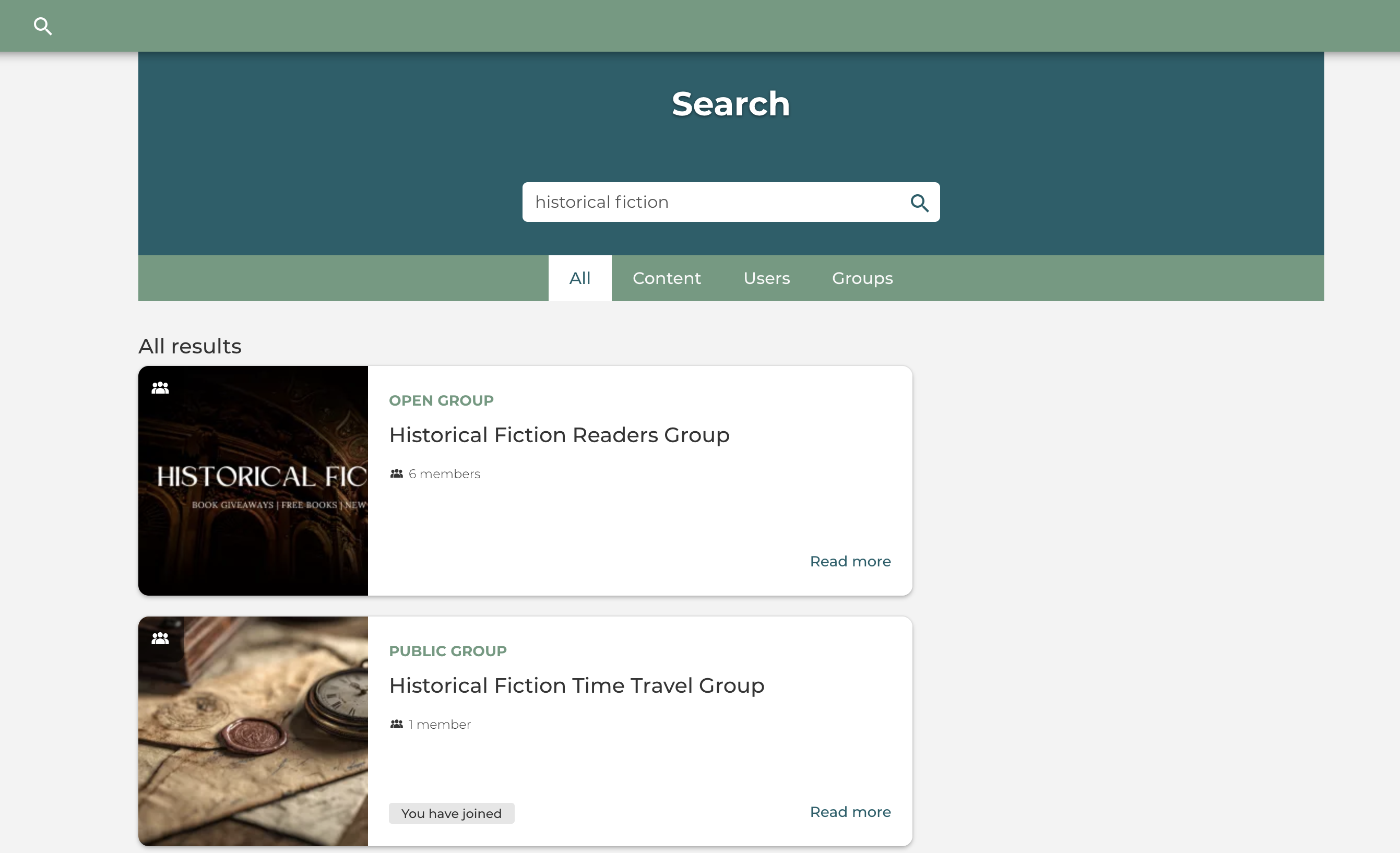
These tabs also contain a few filters, like interests, expertise, content tags, profile tags, etc.
Member Search
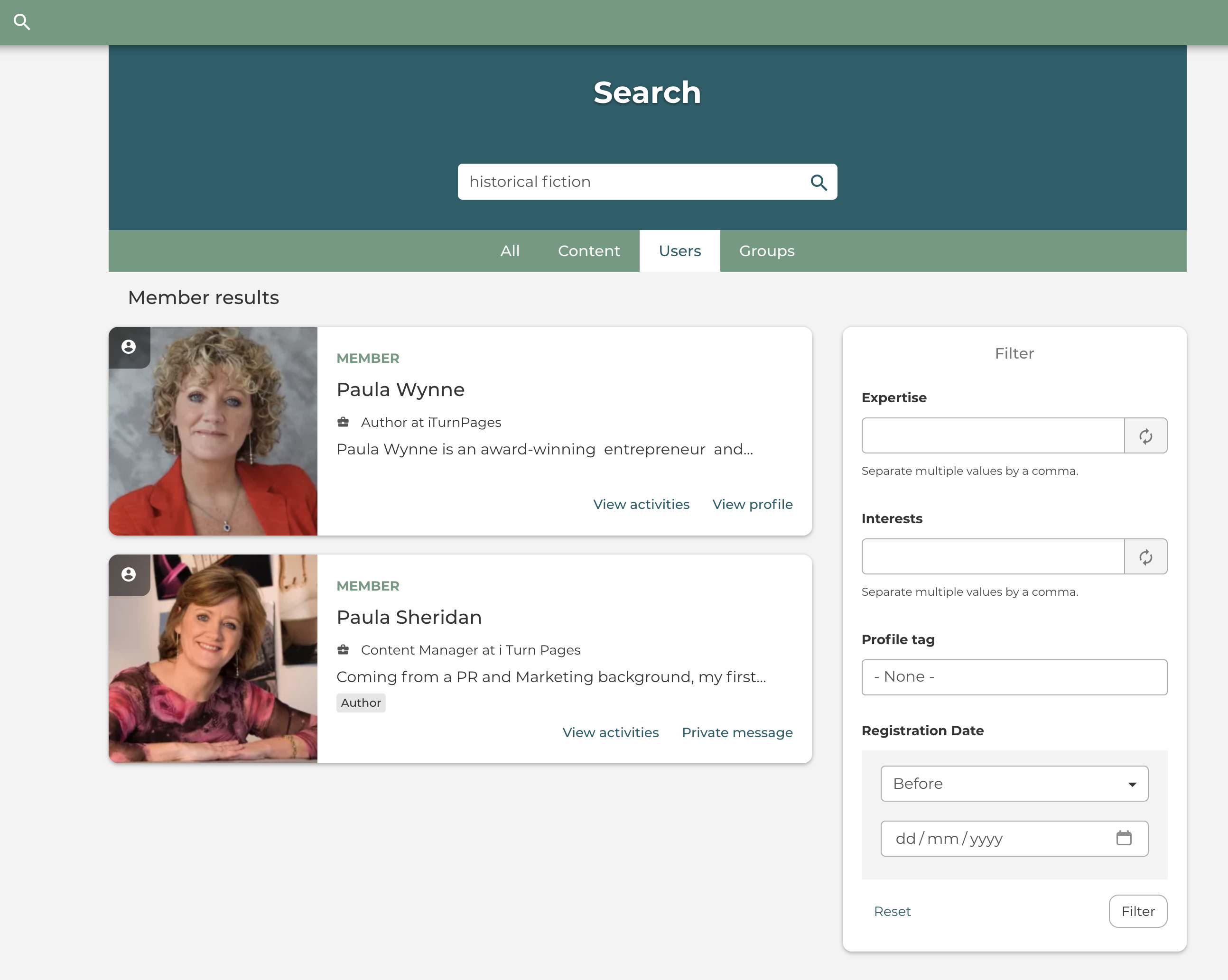
Regular users can search for other users, members both by their name and username. When you've added genres and interests on your user profile, community members can also search for you using keywords.
Here you can see that I used 'historical fiction' as the keyword and found this historical fiction author. Me!
Why This is Vital for Authors
When you have lots of content, posts, images, discussions, groups, and giveaway events, they are all listed on YOUR PROFILE. Then, when a new member comes along looking for a particular genre, and they search for that keyword, they will FIND YOU!
This is an EXCELLENT way to build your community of readers, get them to follow you and share your content with their own reader community.
Carry on reading our explore guides to find out how you can build your reader followers on I Turn Pages by using all our community activities to build a fantastic following!