Here's how you can follow other community members's content and tags.
Content Tags & Content Types
Content tags, content types, and profile tags are ways to search for other book lovers in our community and to tag readers or authors in your community. I Turn Pages offers a variety of tag categories which allow you and your community members to easily search for content or members related to their interests.
We recommended that before you publish any content, think about the interests and expertise of your members. You can add events and topics, as well as many other social elements.
Community members can tag content they like, groups they want to join, or their profiles.
Users can follow any content or group. When they click follow, this will then trigger notifications for them every time an entity that is tagged with the follower content is added.
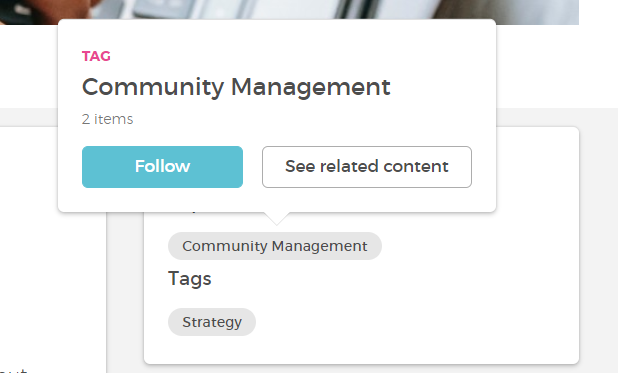
You can then press on the tag(s) and either follow or see related content, which will redirect you to the search page with the proper filters. When there is a star next to the tag, it means you already follow it and have the option to unfollow it.
Notifications & Stream
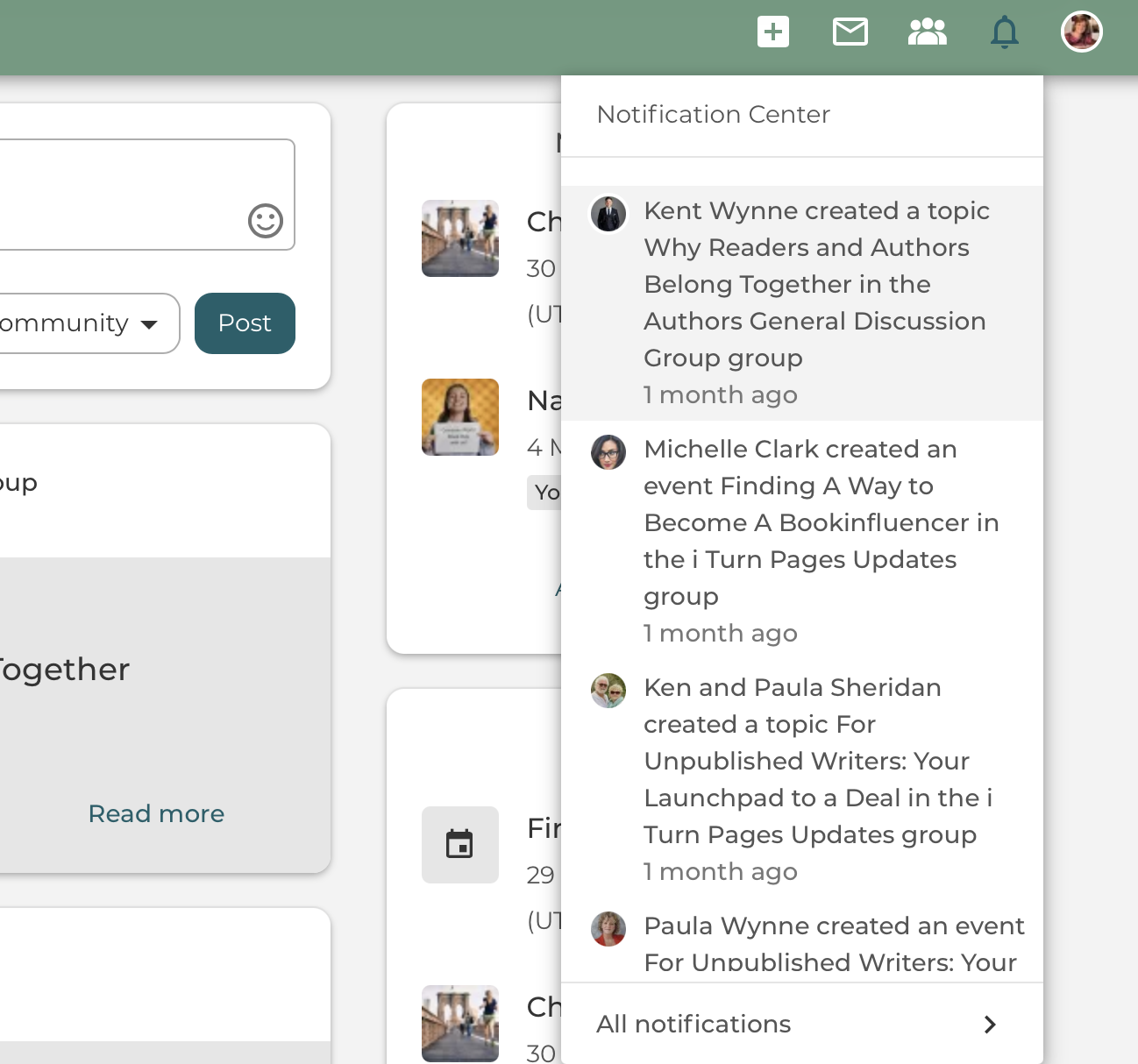
Once you follow a tag, you will receive a notification via I Turn Pages (always check your junk folder in case it lands in there and ensure I Turn Pages is a safe sender to be sure you get all our notifications. Once you click on it, it will redirect you to the content that was created with this tag.
If something is created within a group, and you are not a member, you will only be able to see the content (if the group visibility options allow it), and the content appears on the community stream and on their profile stream. You can request to join the group if the topic interests you.
Manage your followed tags
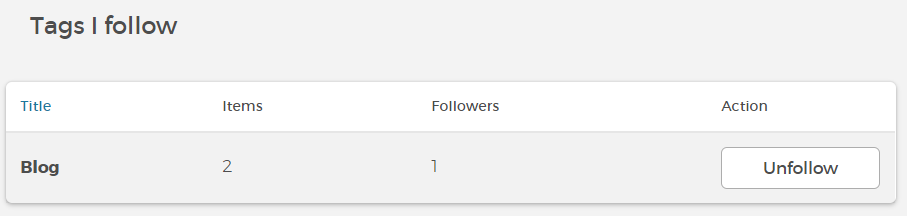
Under your user settings, you have all your followed tags displayed. There you can manage your tags and choose if you want to unfollow a specific one.
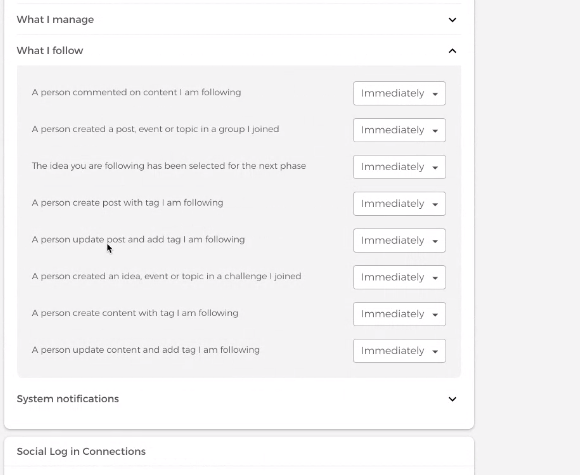
In your profile settings, you can also manage email settings to either have a notification sent when a certain piece of content is created with the tag you follow or not (as shown in the image below).