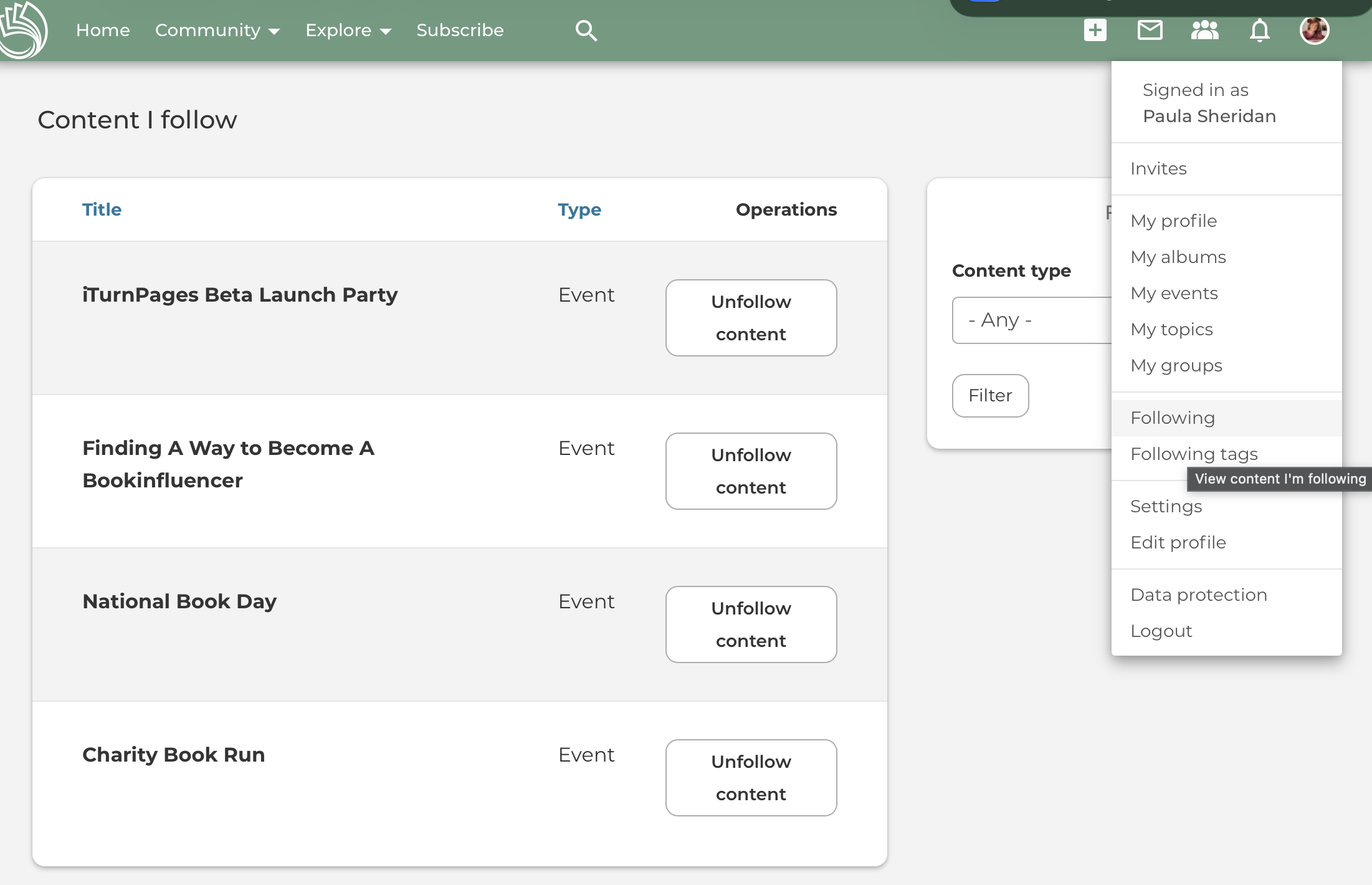
You can find content you follow by clicking on your profile image in the top right corner. A selection drops down. Click FOLLOWING.
It opens the content you follow.
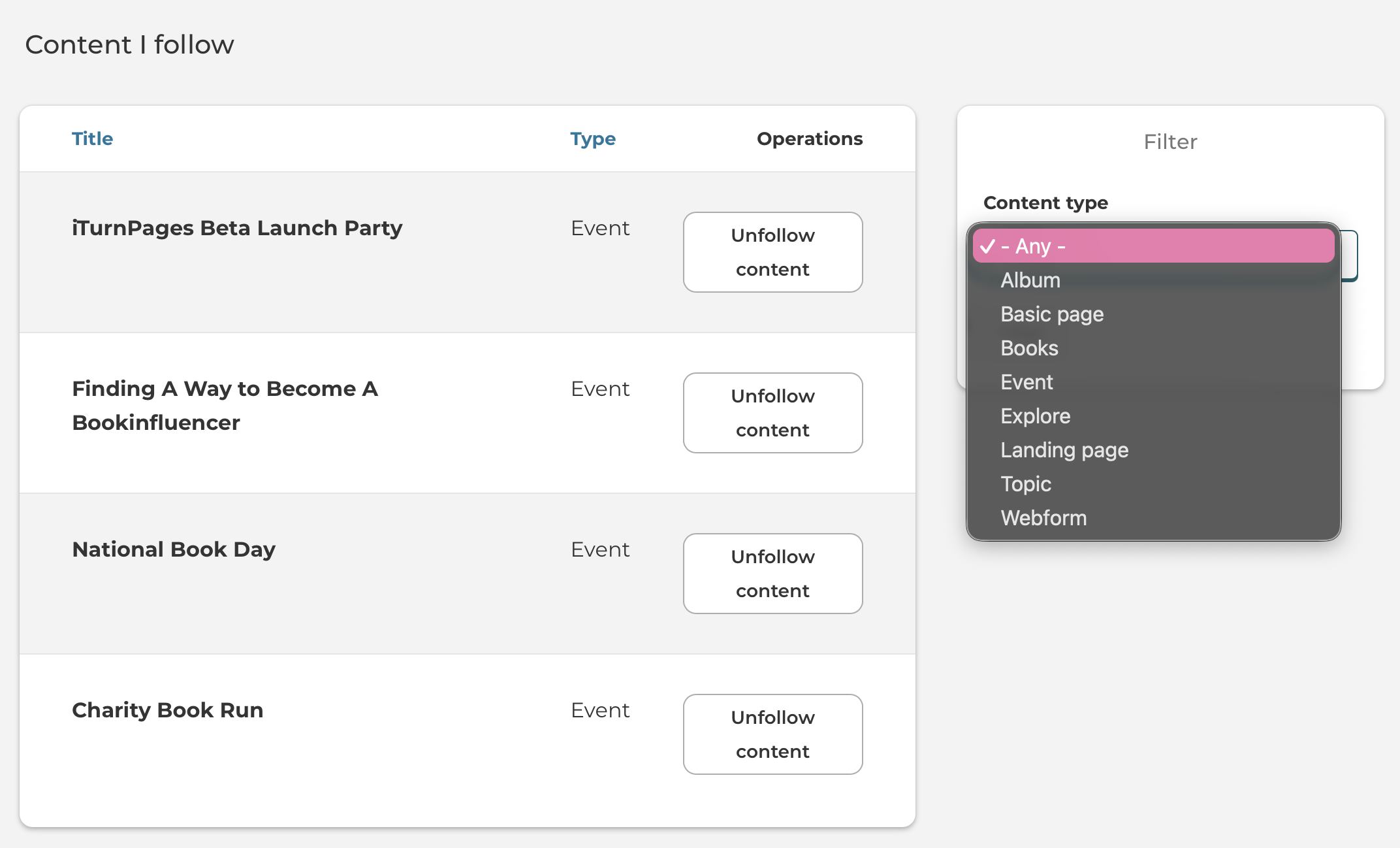
You can filter by various content types.
All community members can follow a book giveaway event, a topic, and another member.
When a comment is made on the content you are following, you will be notified via the notification center. If you are not active on the I Turn Pages community, an email notification will be sent to you.
This email notification can be turned off in the settings.
