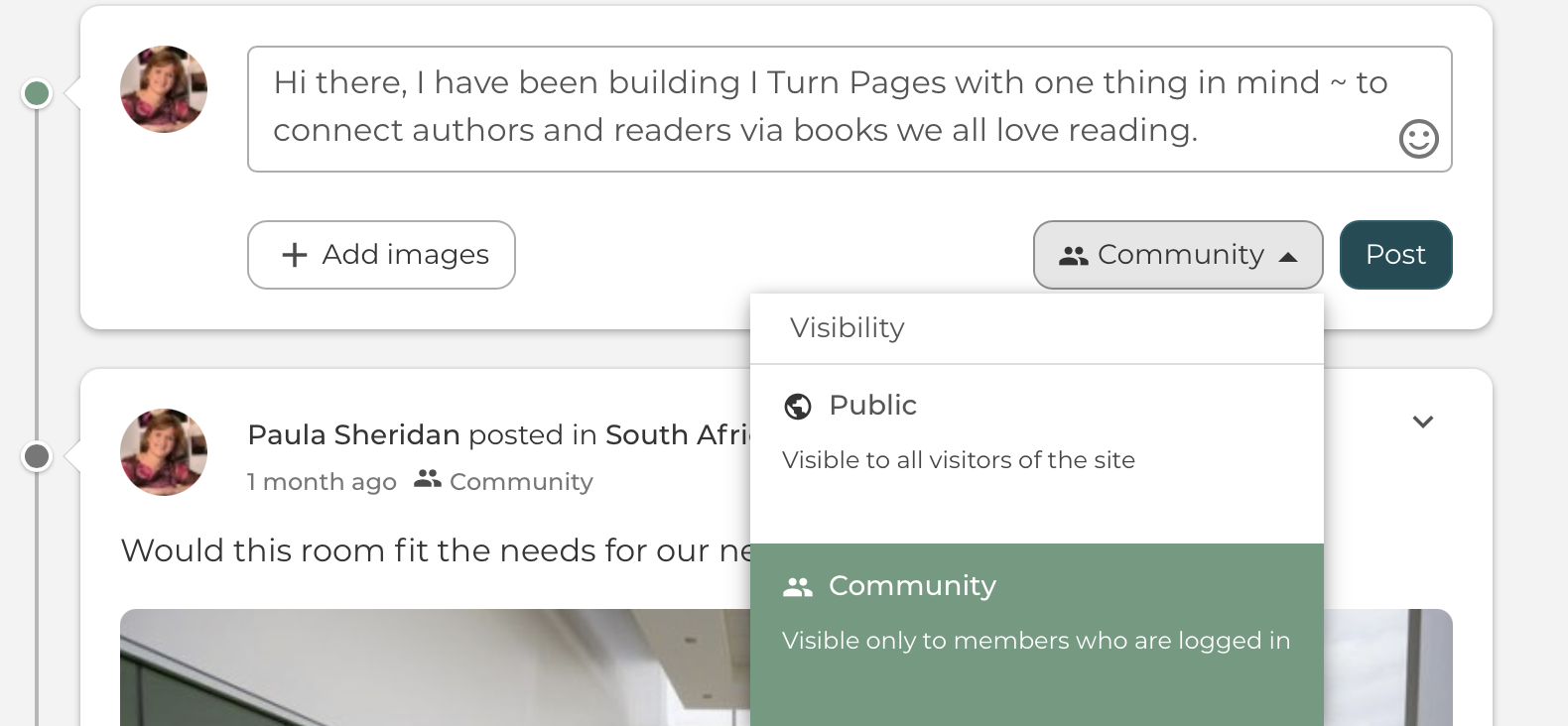
Just like a Facebook stream, you can post discussions and comment to your community via your stream.
Posts allow users to leave a quick message:
- To their community on their main stream
- To another user on their profile
- Or to a group.
Here's an example of writing a quick message and you can see I can choose to my community, which is only visible to members of my community. Or I can choose 'public' so my post is visible to all visitors on I Turn Pages.
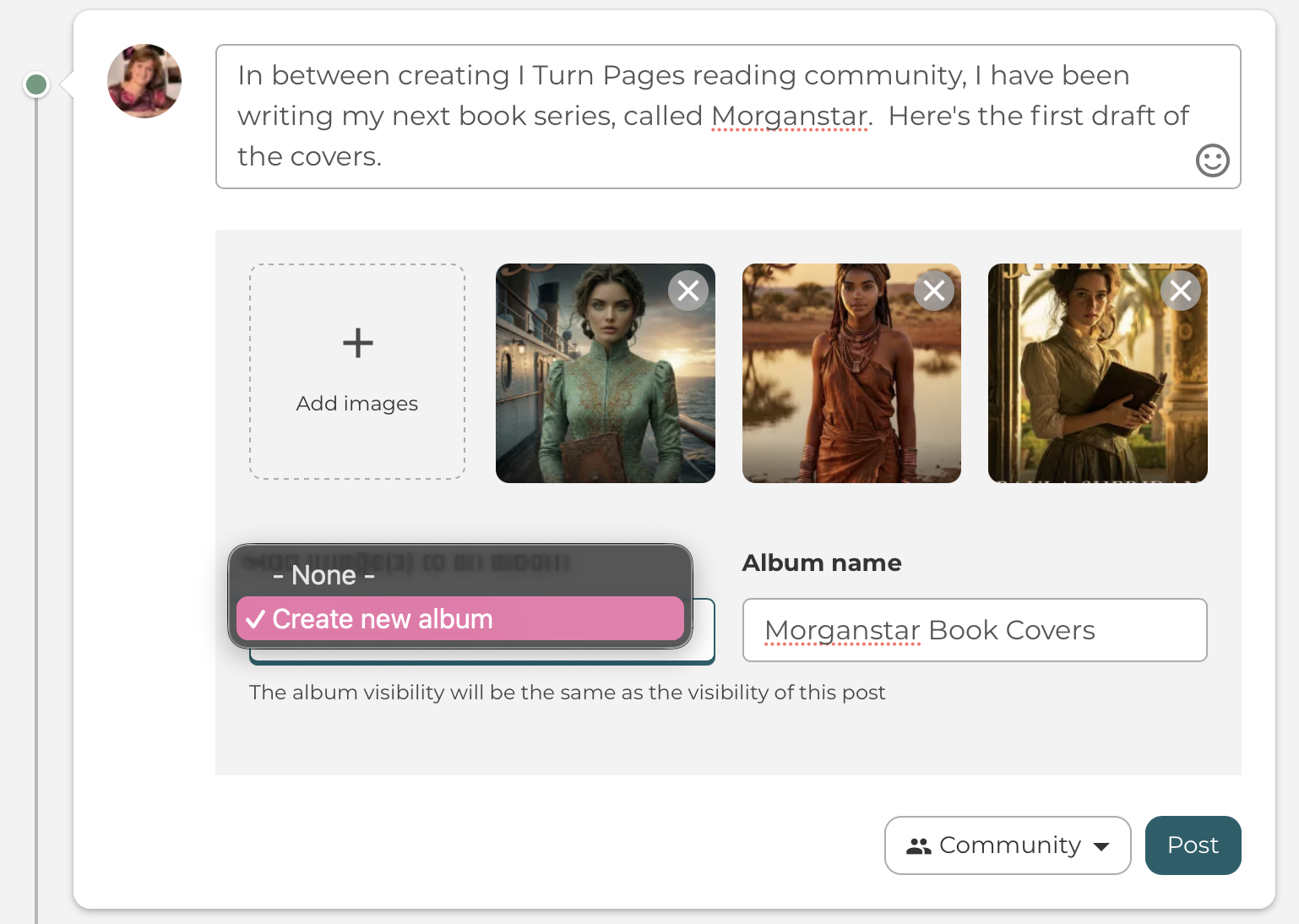
You can add text and multiple images to a post. And you can directly add several images to any stream and create it either independently or within a new album, whether that is a person or a group album.
Here you can see how easy it is to select images via the + add images button in your post on your stream, and you can immediately create a new album with those images, and name the album while you're there.
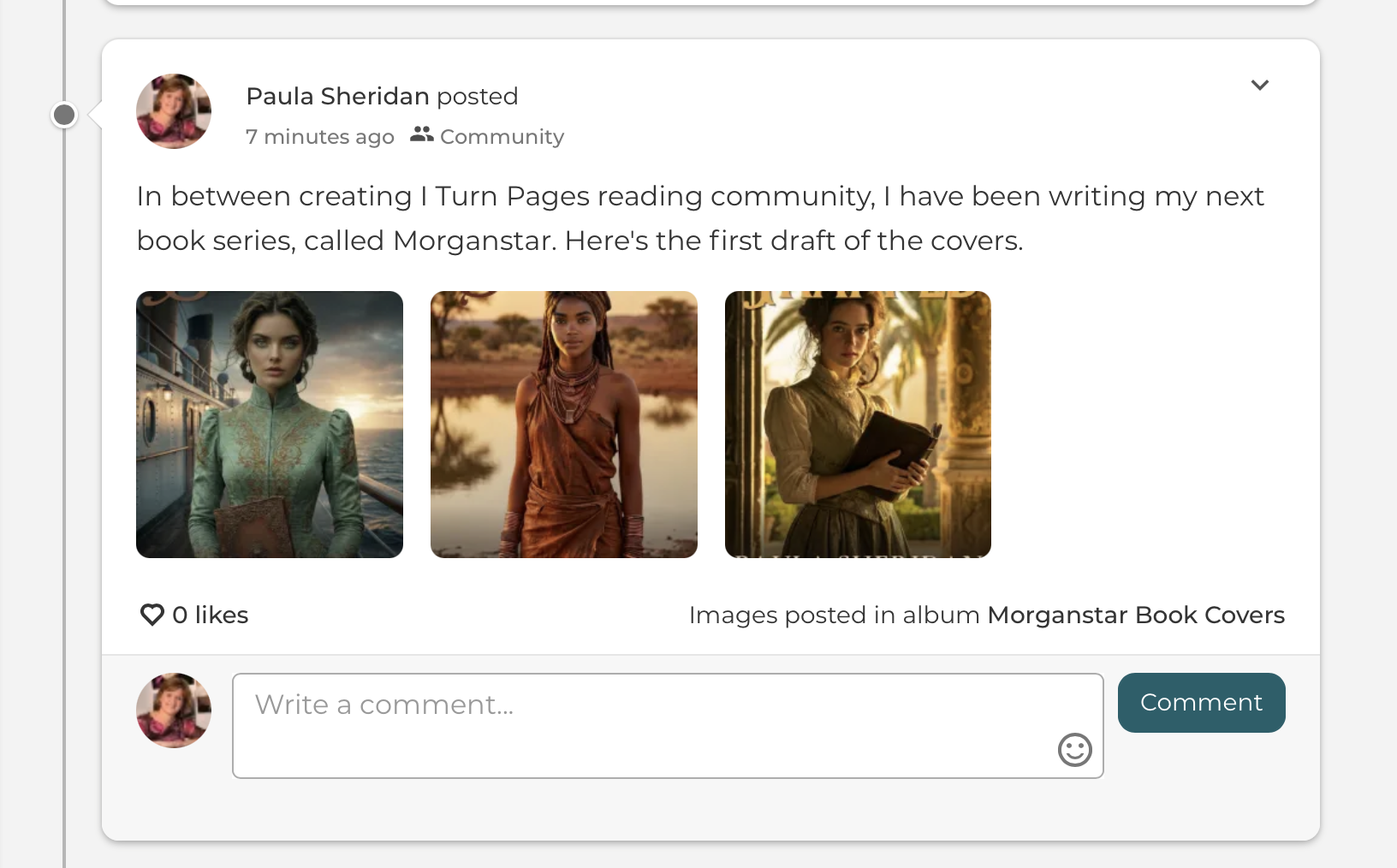
Here you can see the images are on my stream, and also automatically posted into my album.
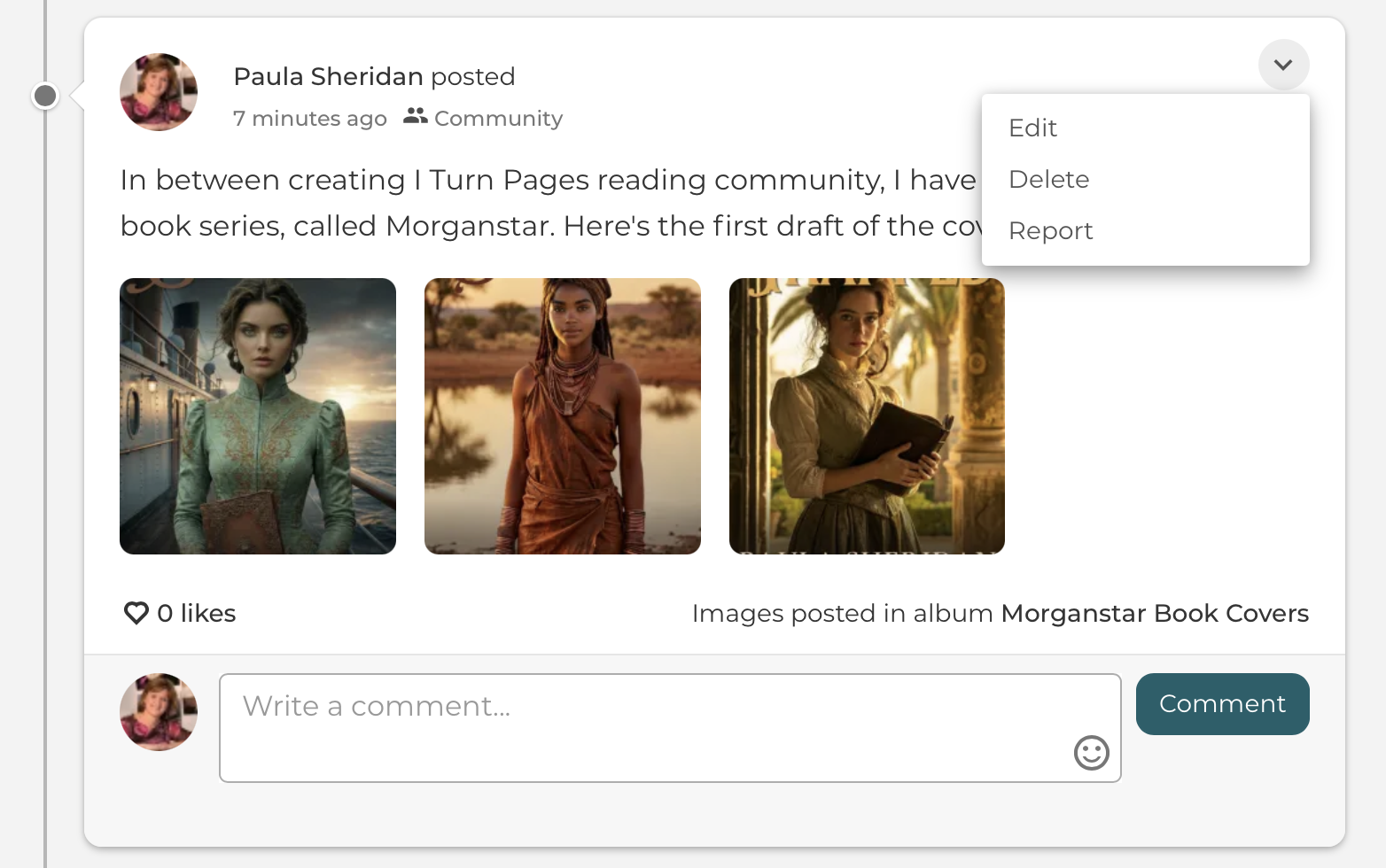
You can also edit or delete the posts you have created. Just click the down arrow on the post.