

Groups are a powerful way to connect with your readers, and in particular, genre readers. Plus to to share knowledge about your writing life and your story world. Groups help you build a community around your passion for books.
Here are some ideas to inspire you.
Author Group Ideas
Authors can use groups to build community around their work, connect with readers in special targeted groups, and to catch up with other authors to discuss cross promotions.
Group ideas and what to discuss:
- Genre-specific author groups: Connect with fellow authors writing in the same genre, share market trends, reader expectations, and cover design norms.
- Work in progress (WIP) groups: Share chapter excerpts, get early feedback, discuss plot problems and character development.
- Publishing journey groups — Navigate the road to publication together — querying agents, submission timelines, rejection support, and celebration of wins.
- Series writers: Groups for authors writing multi-book series, discussing continuity, world-building, pacing across books, and reader retention.
- Writing accountability groups: Set word count goals, check in regularly, motivate each other through the drafting and editing phases.
- Author marketing: Discuss building an author platform, growing a mailing list, running launch campaigns, and working with ARC readers.
- When you create a group or an event, you automatically become the group or event manager. This gives you the extra permissions related to member management in the group or event.
A community is all about information sharing. Set up time-boxed discussions or encourage your community users to create topics about the things they are passionate about.
Groups Introduction for Authors
Group permissions
I Turn Pages community members can create new groups, move their own content from one group to another, and determine who can see the group address. This is done with a set of checkboxes.
Request to Join a Group
This feature allows group managers or organizers to decline or accept potential new members to groups.
Group managers can structure their groups in such a way that others can request membership to their groups. But will let the manager decide to approve or decline this request, keeping them in charge of their groups.
Group Admins and managers
When you create a group, you automatically become a group admin, which allows you to manage the group on your terms. You can then set the group manager under the manager members tab. The group managers and admins can then grant access to the group.
This allows users who would like to become a member of a group to visit the group page and see a new Request to Join button. This will cause a pop-up that allows them to fill in an optional message or just send the request immediately.
As a result, the group manager or admin will be notified about the incoming requests on the group page as well as through the notification center.
The group manager will have to accept or decline these requests.
After approving the request, the user is directly added. The user will receive a notification once their request is approved, but not if declined.
I Turn Pages allows for a lot of flexibility with visibility and content flow. Discover how here!
Quickly Join a Group
The join group button is found on all groups.
You can join a group directly from the content you are reading.
Depending on the visibility rights of a group, non-members of the group have the option to read the shared content, such as topics.
Interacting with content that belongs to a group you have not joined is easy - without having to leave the content.
Meaning, you can join the group directly from the content you are reading, this initiates and helps users to join the group quickly and directly.
In case of a Flexible Group it is only possible to quickly join a group that has Open to Join selected as joining method.
In case of a Request to Join or Invite Only group you will be redirected to the group page instead.
Reminder About Which Groups You Have Joined
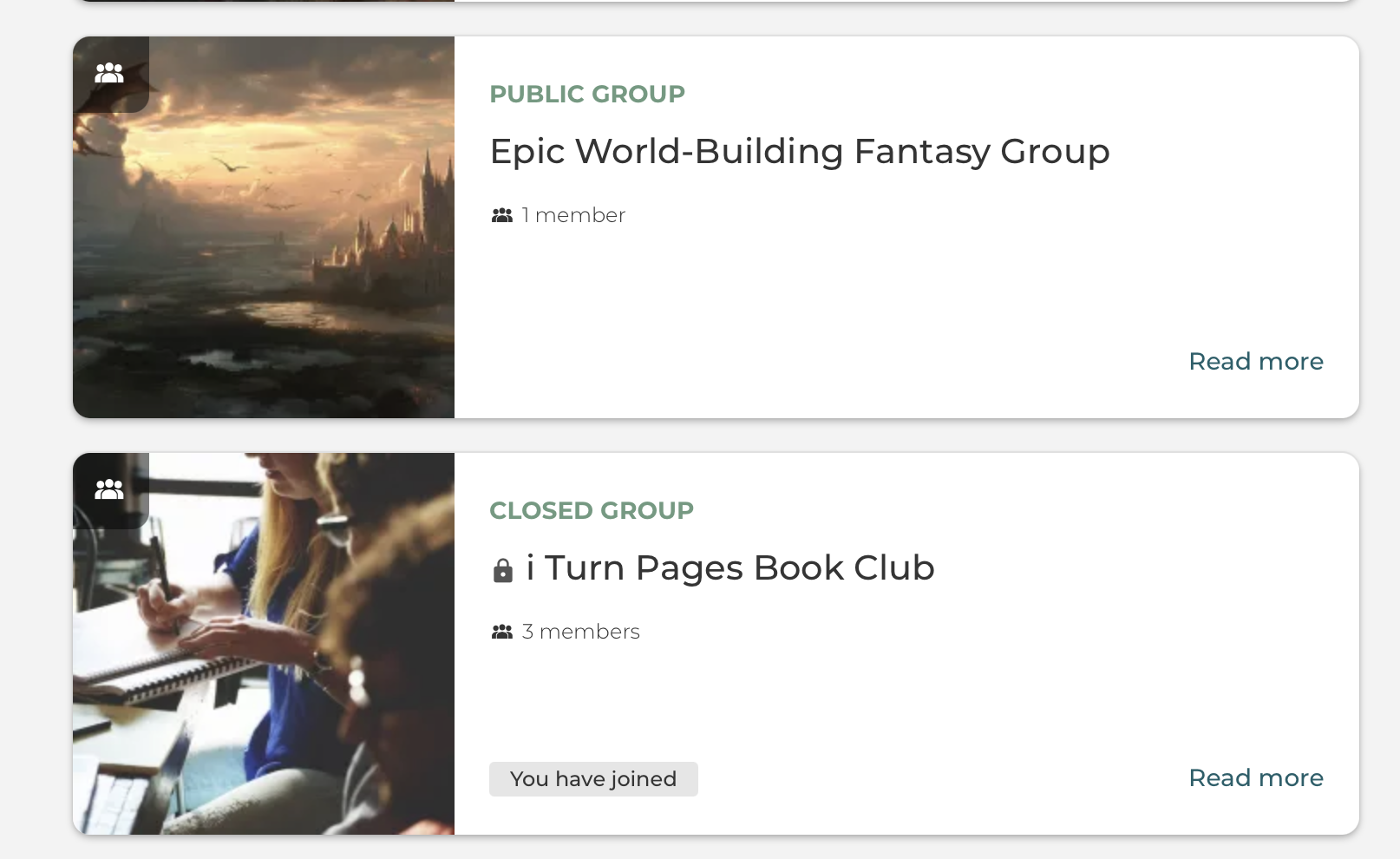
Quickly see which groups you have or have not joined yet.
Please log in or join to comment.