The join group button is found on all groups.
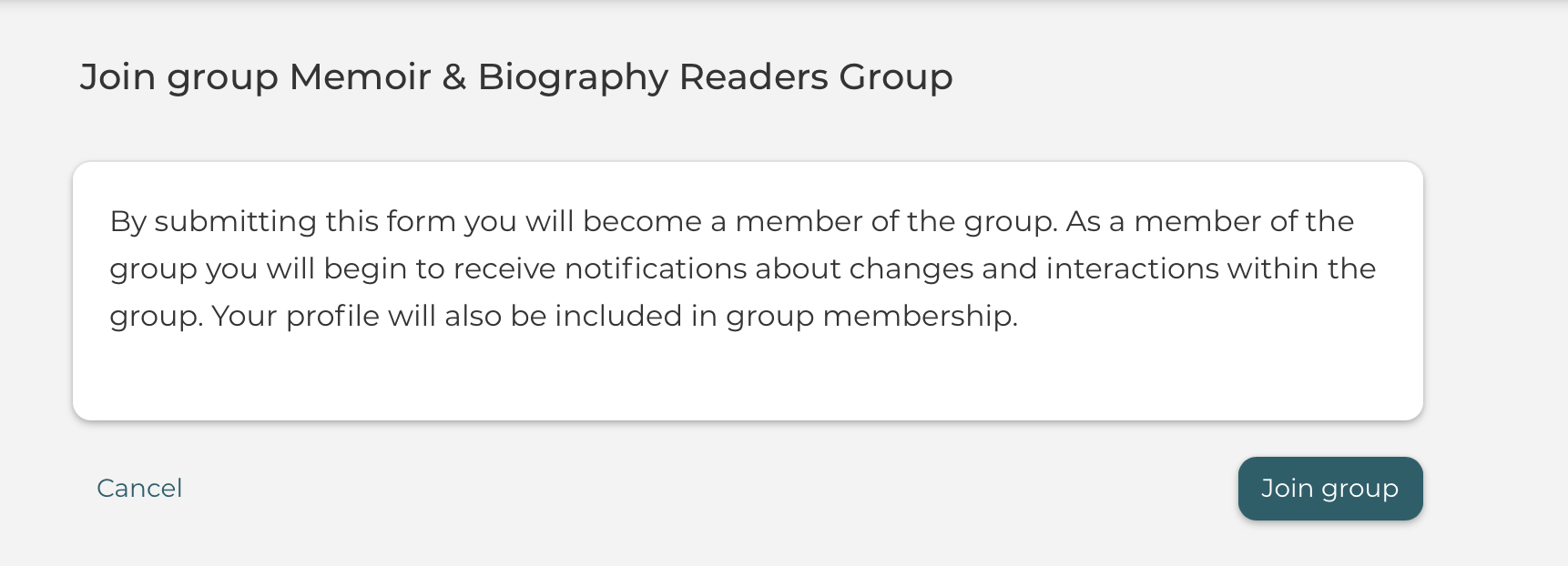
You can join a group directly from the content you are reading.
Depending on the visibility rights of a group, non-members of the group have the option to read the shared content, such as topics.
Interacting with content that belongs to a group you have not joined is easy - without having to leave the content.
Meaning, you can join the group directly from the content you are reading, this initiates and helps users to join the group quickly and directly.
In case of a Flexible Group it is only possible to quickly join a group that has Open to Join selected as joining method.
In case of a Request to Join or Invite Only group you will be redirected to the group page instead.